
Download SecondShell – Free Windows File Explorer Enhancer for Laptop Users
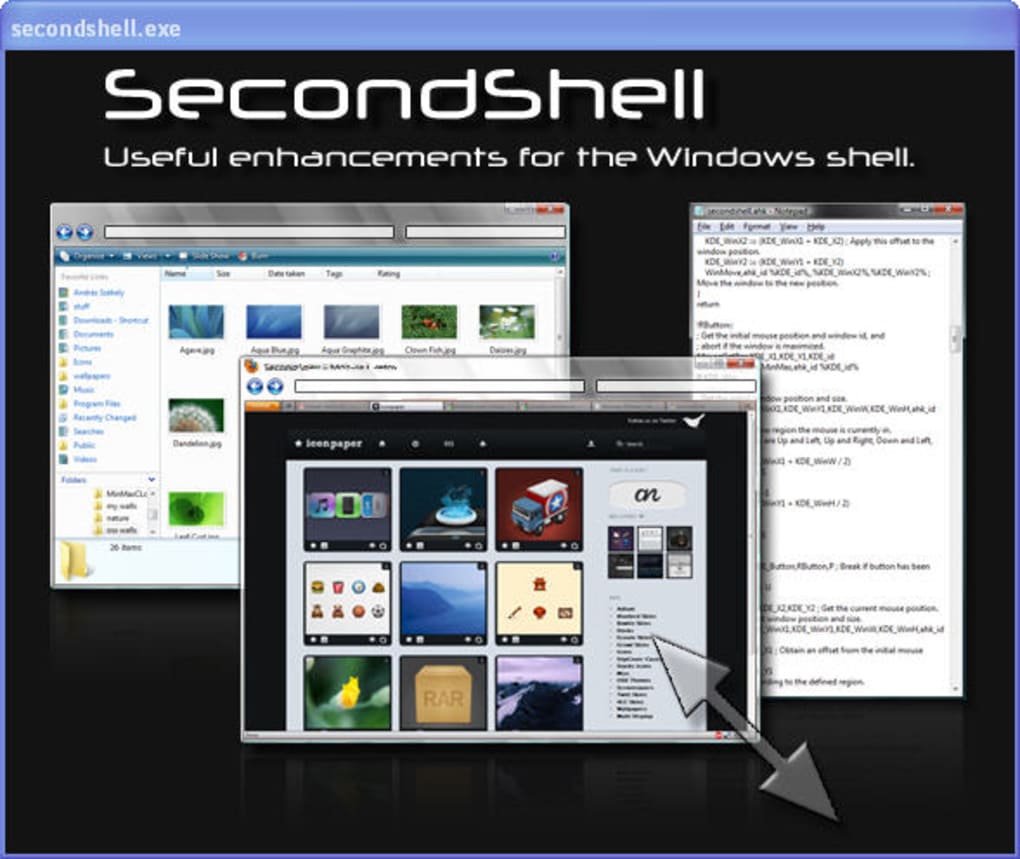
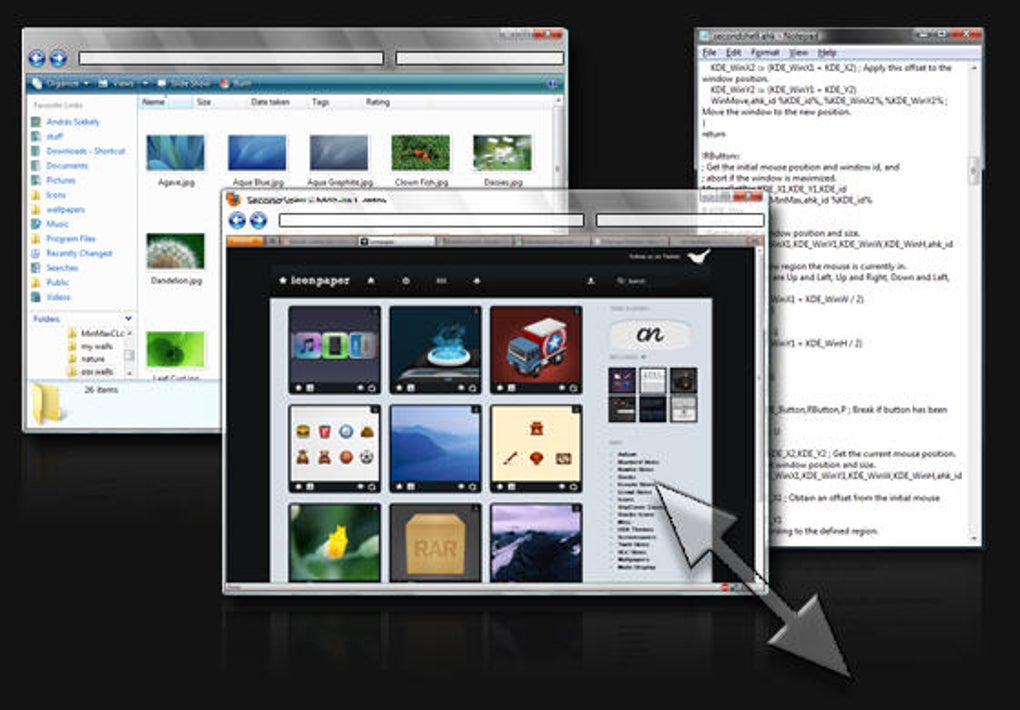
SecondShell is a lightweight, free software tool designed to enhance your Windows File Explorer experience with intuitive keyboard and mouse shortcuts. Perfect for laptop users, it streamlines window management by allowing you to move, resize, minimize, maximize, and close windows with ease—without needing to hover over window edges. This seamless integration improves productivity and reduces repetitive mouse movements.
SecondShell runs quietly in the background and displays a small system tray icon for quick access. Despite its minimal design, it delivers powerful functionality that makes navigating your desktop more efficient. The software is safe to download, regularly updated, and compatible with modern Windows systems.
Whether you're managing multiple windows or working on a small screen, SecondShell is a must-have utility for a smoother, faster workflow.
Why SecondShell Stands Out Among Windows Productivity Tools
SecondShell isn’t just another flashy utility—it’s a refined, no-nonsense tool built for real-world efficiency. Unlike many bloated software suites, SecondShell focuses on one core goal: making window management effortless. Its minimalist design ensures it doesn’t clutter your desktop or slow down your system.
Instead, it quietly enhances your daily workflow by introducing smart keyboard and mouse shortcuts for common window actions. For instance, you can resize a window by holding a specific key and dragging the edge, or move it with a simple click and drag from any part of the window. This is especially beneficial for laptop users who rely on touchpads and may find traditional window edge interactions frustrating.
What sets SecondShell apart is its seamless integration with the Windows File Explorer and desktop environment. It doesn’t require complex setup or configuration—just install, launch, and start using it immediately. The splash screen that appears on first run is brief and informative, offering a quick overview of available shortcuts.
Once running, the program operates invisibly in the background, only showing a small icon in the system tray. From there, you can disable it, access the shortcut reference, or check its status. This low-profile operation ensures it never interrupts your work.
Additionally, SecondShell is completely free and secure. There are no ads, no telemetry, and no hidden costs. It’s ideal for users who value privacy and performance.
The tool is regularly updated to maintain compatibility with new Windows versions and security patches. For anyone looking to boost productivity without investing time in learning complex tools, SecondShell delivers immediate value. It’s not a replacement for full-featured window managers but a perfect complement to your existing workflow—especially if you're using a compact laptop or working in a space-constrained environment.
Key Features That Make SecondShell a Must-Have for Windows Users
SecondShell’s strength lies in its simplicity and effectiveness. The software brings a suite of practical features that significantly improve how you interact with windows on your desktop. One of the most useful features is the ability to resize and move windows without needing to position the cursor precisely on the window edge. This is particularly helpful on laptops with smaller screens or touchpads where precision can be challenging. With SecondShell, you can grab any part of a window and drag it to reposition or resize—no need to hunt for the border.
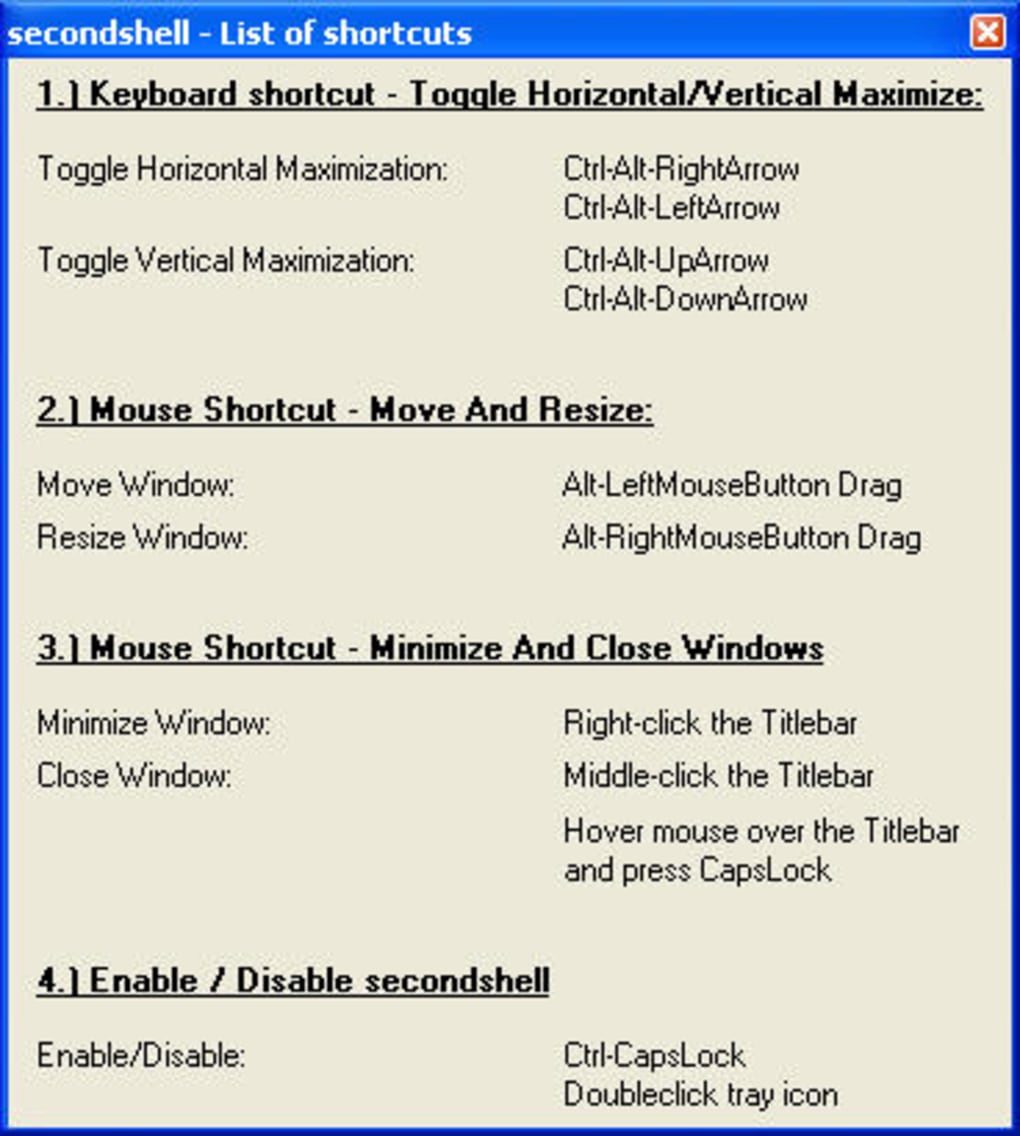
Another standout feature is the ability to minimize or close windows using keyboard shortcuts. For example, pressing a designated key combination (like Alt+Shift+X) instantly closes a window, while another shortcut minimizes it. These actions are customizable through the system tray menu, where you can view a complete list of available shortcuts. This is invaluable for users who prefer keyboard-driven workflows and want to reduce mouse dependency.
SecondShell also supports multi-monitor setups, making it a great choice for users with dual or triple displays. The shortcuts work consistently across all screens, ensuring a uniform experience. It’s lightweight, consuming minimal RAM and CPU resources, so it won’t slow down your system even when running in the background.
The software is compatible with Windows 10 and Windows 11, and it supports both 32-bit and 64-bit systems. Whether you're a student, remote worker, or creative professional, SecondShell enhances your productivity without requiring a steep learning curve. It’s a perfect tool for anyone who wants to make their Windows experience smoother, faster, and more intuitive.
Installation, Usage, and Compatibility Overview
Getting started with SecondShell is straightforward and hassle-free. First, visit the official website and download the latest version of the software. The installer is a single executable file, so there’s no need for complex setup steps. Simply run the file, accept the license agreement, and follow the on-screen prompts. The installation process is quick, typically taking less than a minute, and doesn’t require administrative privileges on most systems.
Once installed, launch SecondShell from the Start menu or desktop shortcut. The program opens with a brief splash screen that introduces its core features and available shortcuts. After that, it runs silently in the background, and you’ll notice a small icon in the system tray—usually near the clock. This icon is your gateway to managing the tool. Right-clicking it reveals a menu with options to disable the program, view the shortcut list, or exit.
Using SecondShell requires no additional configuration. The default keyboard and mouse shortcuts are intuitive and immediately effective. For example, holding Ctrl while dragging a window moves it, while holding Ctrl+Shift resizes it from any corner.
These actions work across all applications, including File Explorer, web browsers, and office software. The tool is compatible with Windows 10 (64-bit and 32-bit), Windows 11, and supports both desktop and laptop environments. It also works seamlessly with touchpad gestures and external mice.
For users concerned about security, SecondShell is open-source and has been verified as safe by multiple antivirus platforms. There are no bundled adware or spyware, and the software doesn’t collect user data. It’s ideal for both personal and professional use. Regular updates ensure compatibility with new Windows updates and security patches. If you’re looking for a reliable, free, and secure way to enhance your Windows experience, SecondShell is a top contender.
Pros and Cons: Is SecondShell Right for You?
- Pros:
- Lightweight and fast—minimal impact on system performance
- Free to download and use—no hidden costs or ads
- Simple, intuitive shortcuts for window management
- Perfect for laptop users with touchpad limitations
- Runs quietly in the background with a small system tray icon
- Regular updates and secure, malware-free distribution
- Cons:
- No built-in customization options for shortcuts
- Limited configuration settings—no advanced preferences
- Minimal documentation or in-app help
- Doesn’t support older Windows versions (e.g., Windows 7)
- Shortcuts are fixed and cannot be remapped
Frequently Asked Questions (FAQ)
Is SecondShell free to use?
Yes, SecondShell is completely free to download and use. There are no premium features, ads, or subscription models. The software is open-source and distributed without any cost.
Does SecondShell work on Windows 10 and Windows 11?
Yes, SecondShell is fully compatible with both Windows 10 and Windows 11, including both 32-bit and 64-bit versions. It also supports multi-monitor setups and touchpad gestures.
Can I customize the keyboard shortcuts?
Unfortunately, SecondShell does not allow users to customize or remap shortcuts. The shortcuts are fixed and cannot be changed through the interface.
Is SecondShell safe to download?
Yes, SecondShell is safe to download and use. It’s open-source, verified by multiple antivirus engines, and free from malware, spyware, or unwanted bundled software.
Does SecondShell work on laptops?
Absolutely. SecondShell is especially beneficial for laptop users, as it improves window management on smaller screens and touchpads, reducing the need for precise mouse movements.
Final Verdict: A Lightweight Power-Up for Windows Users
SecondShell may not be flashy, but it delivers real value with minimal overhead. For users who want to enhance their Windows File Explorer and window management experience—especially on laptops—this free tool is a game-changer. Its intuitive shortcuts, lightweight design, and seamless integration make it a standout in the world of productivity utilities. While the lack of customization might be a drawback for advanced users, the simplicity is also its greatest strength for the average user.
If you're looking for a secure, fast, and free way to improve your daily workflow, SecondShell is worth a download. It’s easy to install, runs quietly in the background, and requires no learning curve. Whether you're a student, remote worker, or creative professional, this tool can save you time and effort every day.
Download SecondShell today and experience a smoother, faster way to manage your Windows desktop.







